Slow mobile broadband can be frustrating when you are trying to work, stream, browse, or stay in touch. Weak speeds often lead to buffering videos, delayed downloads, and unstable video calls. The good news is that slow performance is often caused by common issues that can be fixed quickly. In many cases, a few simple changes can make a noticeable difference.
Mobile broadband is designed to be flexible and convenient, but speeds can vary depending on signal strength, device setup, and network traffic. Before assuming you need a new contract or expensive upgrade, it is worth checking the basics first. Small adjustments often solve the problem faster than expected. Knowing where to look can save time and frustration.
How to Fix Slow Mobile Broadband Speeds Quickly
The fastest way to improve slow mobile broadband is to identify what is causing the slowdown. In some cases, it may be a weak signal inside the building. In others, too many connected devices or outdated equipment may be the real issue. Once you know the cause, the solution is usually straightforward.
Many speed problems can be improved within minutes. Restarting equipment, moving the router, reducing device usage, or checking signal levels can all help. These quick fixes cost nothing and are often highly effective. Starting with the easiest steps first is usually the smartest approach.
Check Your Signal Strength
Mobile broadband depends on network signal, so poor coverage is one of the most common causes of slow speeds. If your router or hotspot only shows one or two bars, performance is likely to drop. Weak signal can lead to buffering, unstable browsing, and interrupted calls. Stronger reception usually means better speeds.
Try moving your router or device closer to a window or a higher position in the room. Avoid placing it behind furniture, inside cupboards, or near thick walls. Even moving it a short distance can improve signal quality. It is one of the quickest fixes available.
Restart Your Router or Device
Routers and hotspot devices can slow down after running continuously for long periods. Temporary glitches or poor network handshakes may affect performance without warning. Restarting the device refreshes the connection and often restores normal speeds. It is a simple step that many people overlook.
Turn the device off, wait around 30 seconds, then switch it back on. Give it a few minutes to reconnect fully before testing the speed again. This can solve short-term issues in minutes. It is always worth trying before making bigger changes.
Reduce Connected Devices
If multiple devices are using the same connection, available bandwidth is shared between them. Phones, laptops, tablets, TVs, and game consoles can all use data at the same time. Even devices not actively in use may still be downloading updates in the background. This can slow everything down.
Disconnect devices you do not currently need and pause large downloads where possible. If someone is streaming in high definition while another person is on a video call, speeds may feel much slower. Reducing network demand can improve performance immediately. This is especially useful in busy households or offices.
Move to a Better Coverage Spot
Different parts of a property can receive different levels of mobile signal. One room may struggle while another performs much better. This is common in larger homes, office buildings, or areas with thick walls. Finding the strongest spot can improve speeds quickly.
Try testing different positions around the building. Areas near windows or upstairs rooms often receive a stronger signal. Once you find the best location, keep the device there permanently if possible. A better position can outperform costly upgrades.
Check for Network Congestion
Sometimes the problem is not inside your property at all. Mobile networks can slow down during busy times when many users are online together. This often happens in the evenings, during lunch hours, or at public events. Even with good signal, speeds may temporarily drop.
Run a speed test at different times of the day. If performance is better early in the morning or later at night, congestion may be the cause. In that case, scheduling downloads for quieter periods can help. If congestion happens often, it may be worth reviewing networks.
Update Your Equipment
Older routers and dongles may not support newer 4G or 5G technology properly. They can also struggle to manage several devices at once. This means your equipment may be limiting speeds even if coverage is strong. Outdated hardware is a common hidden issue.
Check how old your current device is and what standards it supports. If it is several years old, a newer model may improve speed and reliability. This is particularly useful if your current package should be performing better. Better hardware can unlock the full value of your plan.
Run a Speed Test
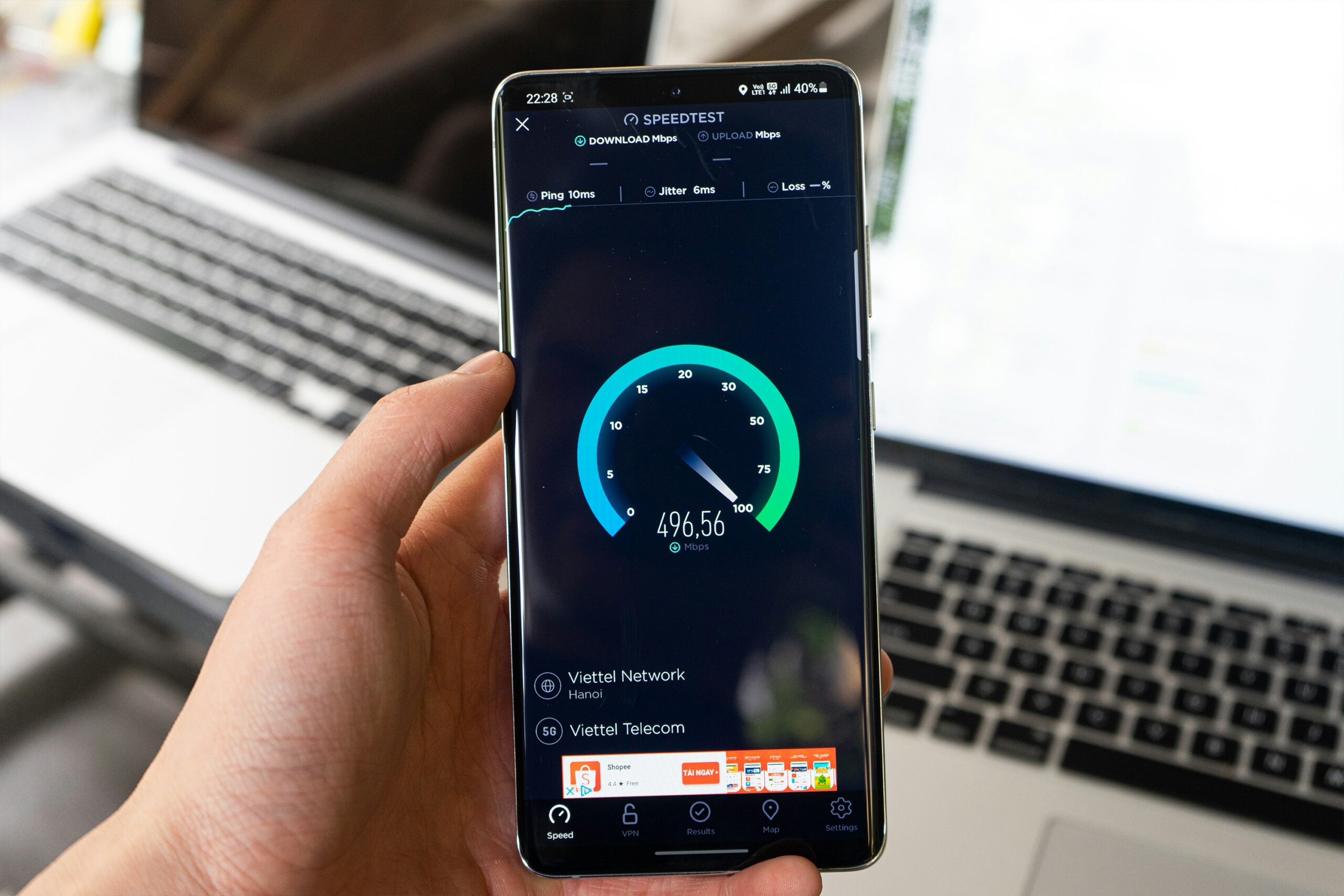
A speed test helps show whether the issue is signal, congestion, or equipment-related. It measures download speed, upload speed, and latency in seconds. Testing before and after changes helps you see what is working. It also gives useful information if you need provider support.
Use a trusted speed test website or app and compare results at different times. Keep note of patterns over several days. If speeds remain consistently poor, contact your provider with the results. Clear evidence makes troubleshooting easier.