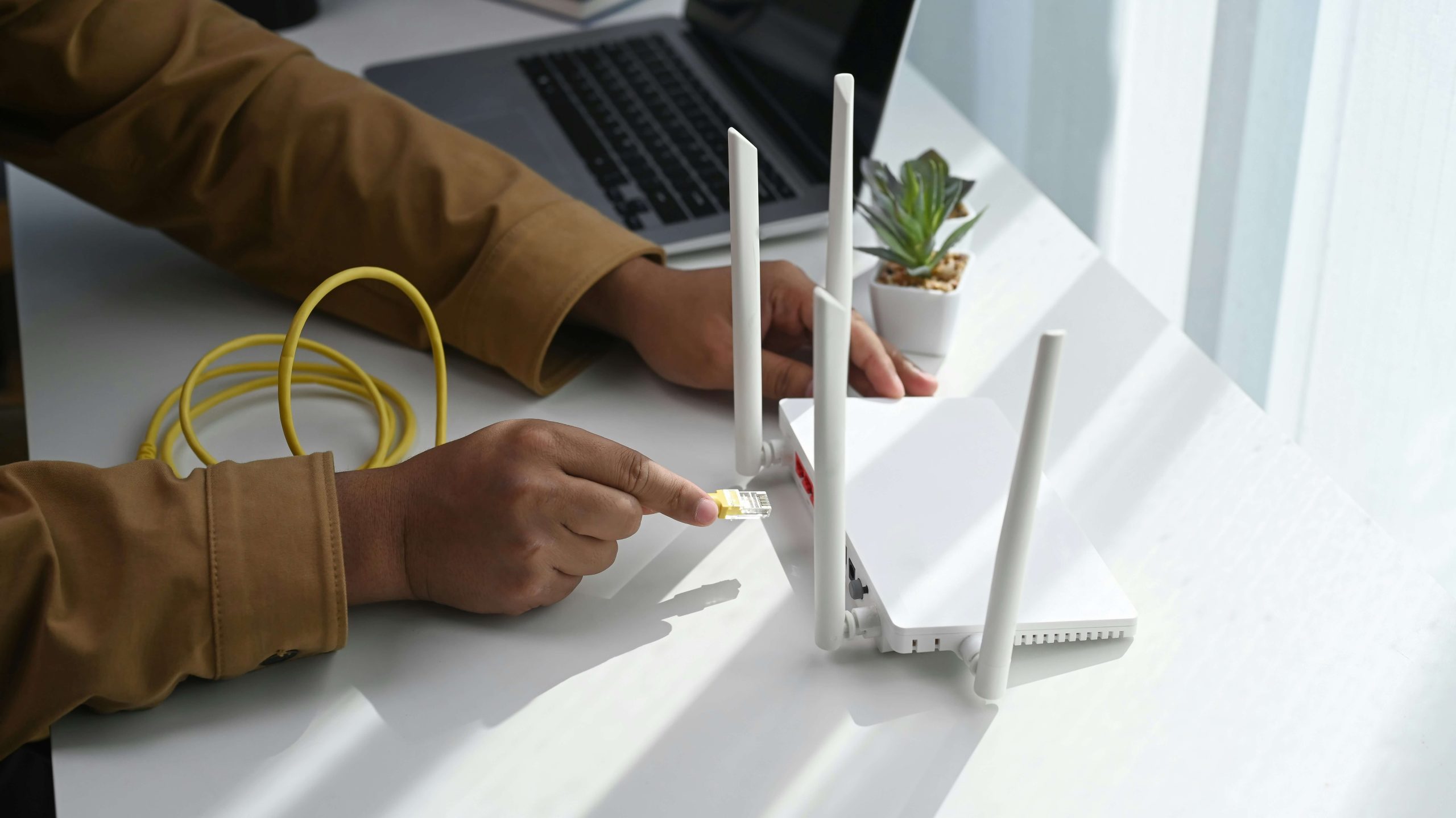
Your router plays an important role in your broadband connection. It connects your devices to the internet and manages the traffic between your home network and your broadband service. If your router is several years old, it could be contributing to slow speeds, dropped connections, weak Wi-Fi, or other broadband problems.
However, an old router is not always the cause of a poor connection. Your broadband package, network, line quality, home layout, and number of connected devices can also affect performance. Understanding the signs of an outdated router can help you decide whether it is time for an upgrade.
Can a New Router Improve Broadband Speed?
A new router can improve the speed you experience over Wi-Fi, but it cannot increase the underlying broadband speed supplied to your property.
For example, if your broadband connection provides 500Mbps but your old router cannot efficiently distribute that speed over Wi-Fi, upgrading the router could help your devices make better use of the available connection.
However, if the broadband connection itself is slow, replacing the router alone will not solve the problem.
Should You Replace Your Broadband Router?
Replacing your router may be worthwhile if you regularly experience connection problems or if your current router is no longer suitable for your broadband package.
Before replacing it, check whether the problem is actually caused by the router. Run a broadband speed test, restart the router, check for firmware updates, and test your connection using an Ethernet cable where possible.
If your connection works well through Ethernet but performs poorly over Wi-Fi, the router or wireless network is more likely to be responsible.
How Can You Fix Broadband Problems Without Replacing Your Router?
Before buying a new router, there are several simple things you can try. Here are a few things you can try to fix your broadband problems without replacing your router:
- Restart your router and check whether the problem returns.
- Move the router to a more central and open location.
- Check that cables are securely connected.
- Install available firmware updates.
- Disconnect devices you no longer use.
- Test your broadband connection using Ethernet.
- Check your broadband speed against the speed included in your package.
- Contact your broadband provider if connection problems continue.
What Problems Can an Old Router Cause?
An outdated router can affect several aspects of your internet connection. Here’s a list of the main problems an old router can cause:
Slow Wi-Fi Speeds
Older routers may not be capable of delivering the speeds available through newer broadband connections. This can be particularly noticeable if you have upgraded to a faster fibre broadband package but are still using an older router.
Your broadband provider may be delivering the expected connection speed to your property, but your router could limit the speed your devices actually receive.
Frequent Connection Drops
An old or faulty router may struggle to maintain a stable connection. You might notice that your Wi-Fi disconnects regularly or that you need to restart your router to restore your connection.
Frequent disconnections can be particularly frustrating when working from home, streaming content, or making video calls.
Poor Wi-Fi Coverage
Older routers may provide weaker wireless coverage than newer models. This can result in dead zones where your devices struggle to connect to Wi-Fi.
If your connection is strong when you are close to the router but weak in other parts of your home, the router’s wireless range could be part of the problem.
Problems With Multiple Devices
Modern homes can have many devices connected to the internet at once, including smartphones, laptops, smart TVs, gaming consoles, security cameras, and smart home devices.
An older router may struggle to manage a large number of simultaneous connections, resulting in slower speeds or an unstable network.
How Do You Know If Your Router Is Too Old?
There is no single age at which every router needs to be replaced. However, certain signs can indicate that your router is becoming outdated.
Your Router Does Not Support Modern Wi-Fi Standards
Newer Wi-Fi standards can provide better speeds, capacity, and efficiency. If your router only supports older standards, upgrading could improve your wireless performance.
Your Router Is No Longer Receiving Updates
Security and firmware updates can help keep your router protected and functioning properly. If your router is no longer supported by its manufacturer, it may be worth considering a replacement.
You Have Upgraded Your Broadband Speed
If you recently upgraded your broadband package but have not seen a similar improvement in Wi-Fi performance, your router could be limiting the connection.
When Should You Upgrade Your Router?
An old router can contribute to broadband problems, but it is only one possible cause. If your router is outdated, no longer supported, struggling with multiple devices, or unable to handle your broadband speed, upgrading could make a noticeable difference.
Before replacing it, identify whether the problem is with your broadband connection or your Wi-Fi network. This can help you avoid spending money on a new router when the real issue lies elsewhere.