
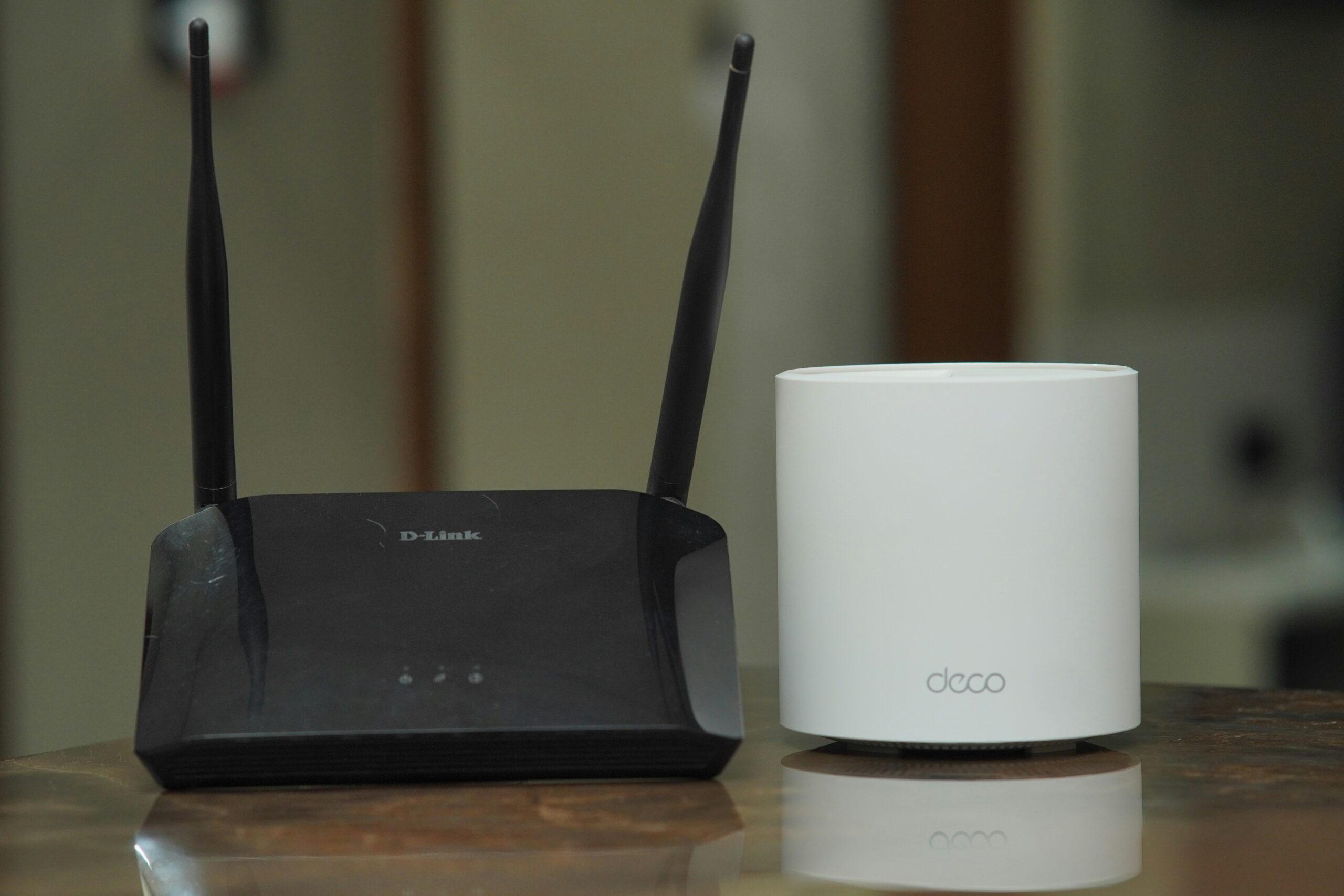
A reliable internet connection is essential for both work and everyday life, and your router plays a central role in delivering that performance. Over time, however, even the best routers can become outdated or struggle to meet the demands of newer devices and applications. As technology advances and internet usage increases, knowing when to upgrade your broadband router is key to maintaining fast speeds, strong signals, and consistent connectivity across all your devices.
How Long Does a Broadband Router Last?
The average lifespan of a broadband router is three to five years. However, a number of variables, including usage trends, environmental considerations, and technology improvements, might affect this longevity. It might be wise to upgrade every two to three years for heavy users or those who need to stay up to date with the most recent Wi-Fi standards.
Why Should I Upgrade My Router?
Upgrading your router can significantly improve the speed, stability, and security of your internet connection. Older routers often struggle to keep up with the demands of modern devices and high-bandwidth activities like streaming, online gaming, or video conferencing. A new router typically supports the latest Wi-Fi standards, offers better coverage throughout your home or office, and includes advanced security features to protect your network. If you’re experiencing frequent dropouts, slow connections, or an overloaded network, upgrading your router could make a noticeable difference in performance and reliability.
How Often Should You Upgrade Your Broadband Router?
It would be unnecessary and inconvenient to upgrade annually. It’s too long to upgrade a router that has been in use for so long that it isn’t receiving security updates and constantly disconnecting your newest gadgets from the network.
Every three to five years, you should upgrade your Wi-Fi router. In the short term, three years is sufficient for minor enhancements to current Wi-Fi technology and standards. Updating every three years is a smart strategy if you want the newest router hardware and software and your home has a lot of devices and demanding users.
Will Upgrading My Broadband Router Make a Difference?
If you’re having problems with poor speeds, frequent disconnections, or limited coverage, updating your internet router can frequently make a big impact. More recent routers provide enhanced security, better performance, and support for more devices.
Signs You Need a New Router
There are certain things that happen with a router that will show you when it’s time for a new one. If you find that your router suffers from several of the below symptoms, it may be time for a much-needed upgrade:
Slow Speeds
Slow internet speeds are hard to miss. It’s frustrating, but what makes it even worse is that it could be happening for several different reasons. You must rule out every other potential reason for your slowing speeds before determining whether or not your ageing router is the problem. You must ensure that there aren’t too many people or devices linked simultaneously. There is a limit to how many people your Wi-Fi setup and internet connection can support.
Try performing a speed test with and without all of the devices connected if your home network has more devices than typical. After trying all of this, if your speeds are still slow, it could be time to get a new router.
Weak Connection
When working from home, your Wi-Fi signal keeps dropping, which makes it difficult for you to accomplish anything. The distance your wireless signal must travel to reach your connected devices is one possible reason. Depending on the router you’re using, your Wi-Fi network may only cover a certain area of your bigger home.
Make every effort to strengthen your signal, and even use your device adjacent to your router to test your connection. If the issue isn’t with the obstructions or distance between you and your router, it could be with the router itself.
Malfunctioning Equipment
When your Wi-Fi system isn’t functioning as it once did, that’s the clearest indication that it has to be replaced. Simple examples of this include indicator lights that do not turn on or buttons that do not respond, even while the device is plugged in and connected to the internet. These indicate that your router has begun to malfunction and that, if more significant issues haven’t arisen already, they might do so shortly.
Incompatibility With Newer Devices
Devices are constructed with new chips and internal components as our technology advances. Newer Wi-Fi equipment will therefore work best with newer devices. It’s possible that your router is a bit too old to support your new devices if you’ve had it for a while but recently purchased a new computer or the newest entertainment and smart home technology.
Overheating
It’s normal for your wireless equipment to warm up while operating. However, it might be reaching the point where it can no longer support your internet use if you notice that it frequently overheats. Make sure your router is situated in an area with adequate ventilation to prevent this from occurring sooner. However, if you see that it keeps overheating, you might need to upgrade soon.




