
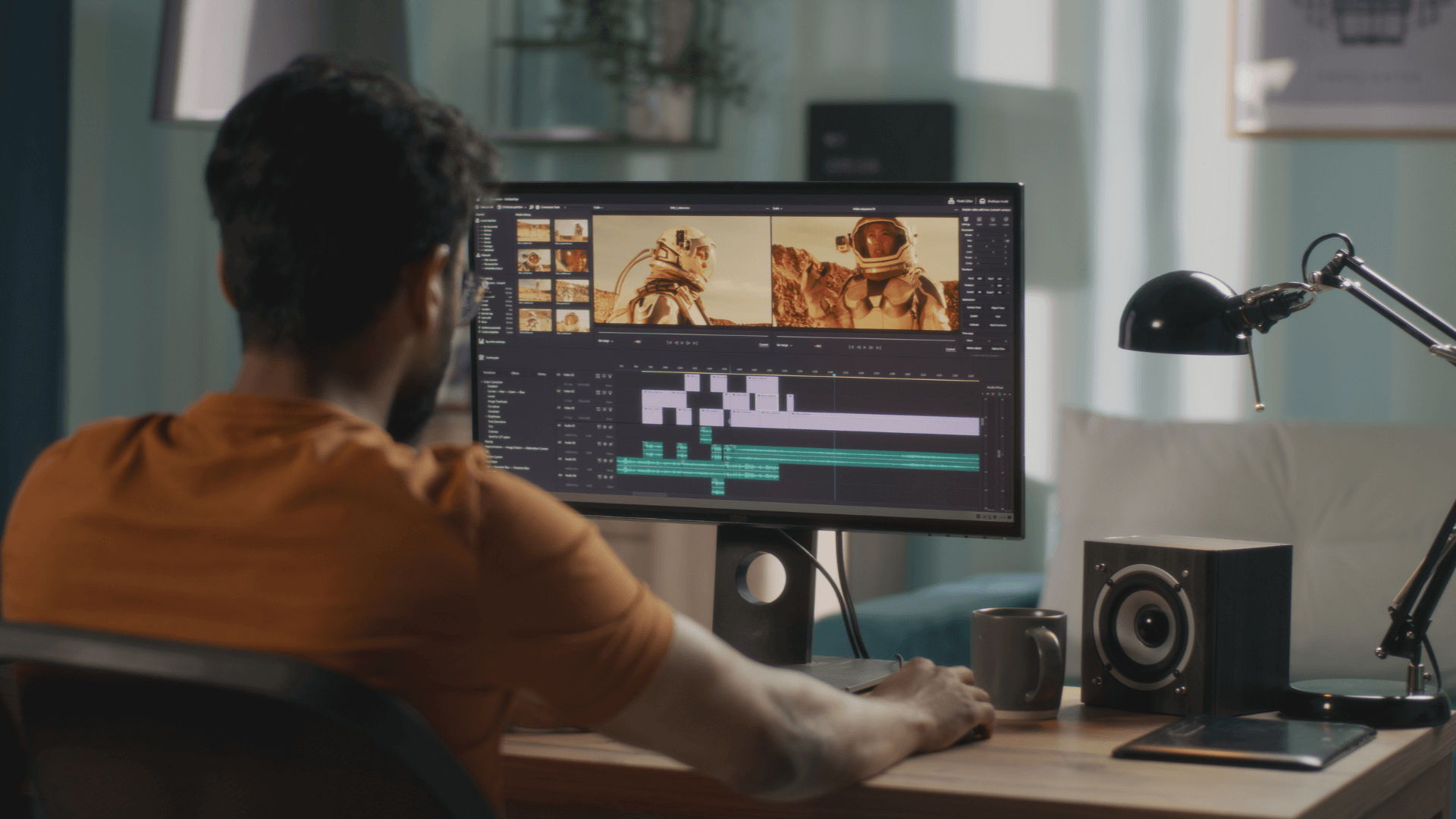
Cloud-based video editing platforms have become immensely popular in the media production industry. Not only does it give creatives the flexibility to work from anywhere but to also work together on projects in real-time. But, most importantly, it offers access to quality editing tools without needing to spend money on costly hardware.
However, all of this depends on the speed of your broadband. Without it, collaboration opportunities are limited and cloud-based platforms can’t be accessed as easily.
What Is Cloud-Based Video Editing?
With cloud-based video editing, files can be edited online through your web browser as opposed to needing to install software on your device.
The process is quite straightforward, all you need to do is upload the raw video footage to the cloud. The editing then takes place on remote servers and you can review the preview version in your browser.
Once you are happy with the result, the video is rendered on the cloud instead of your computer. You will then have the option to download the video directly onto your device.
While effective and convenient, this method relies heavily on ultra-fast Internet speeds to support it.
Understanding Broadband Speed
Broadband is high-speed Internet which is measured in megabits per second (Mbps). When talking about broadband, you’ll typically hear about two types of speed.
Download speed: This refers to how quickly it takes for you to retrieve data from the Internet. It would include things like watching previews and downloading the final render of your video.
Upload speed: This is how quickly data is sent over the Internet, including uploading the raw footage and sending edits to the platform.
In most cases, the upload speed is faster than the download speed unless you’re using fibre which is usually symmetrical.
How Broadband Speed Affects Each Stage Of Cloud Editing
The speed of your Internet connection plays a significant role throughout the whole process of cloud-based video editing. Let’s take a closer look at each step and how it is supported by broadband.
Uploading The Raw Footage
The first step in the process would be to upload your raw footage to the editing platform. This part is incredibly bandwidth-intensive as the files are usually very large, especially if they were shot in HD or 4K.
If your upload speeds are slow, your project time will be delayed which could affect the deadline especially if multiple files need to be worked on for one project.
Editing And Previewing In Real-Time
When using cloud-based platforms, you can see your edits happen in real-time from transitions to tweaking the audio. Here, your download speed becomes important because if your connection is fast, the previews will load quickly and it should be a smooth process.
However if your connection is slow, you may experience delayed response times and choppy previews with your edits showing as pixelated.
Collaboration On The Editing
Most cloud platforms will allow multiple users to edit files together which relies on both the upload and download speeds.
If the connection is too slow, the syncing of edits will be delayed and important updates could be missed. Editing over each other’s work is also a possibility which would cause further delays.
Exporting And Downloading The Final Video
Once the video has been completed, it will need to be exported and downloaded. If the rendering took place on your own device, it could take hours but with cloud-based platforms, the process is much quicker.
Even with this being the case, your connection still needs to have a fast download speed to get the final version quickly.
Tips To Improve Your Cloud-Editing Experience
If you are finding that your current Internet connection is not ideal but you are limited for options, here are a few ways to optimise its performance for the best results.
Schedule uploads overnight: If your Internet speeds are slow, you can set your upload to take place outside working hours.
Close bandwidth-heavy apps: While using a cloud-based platform, close other apps that require a lot of bandwidth including Dropbox.
Use a wired connection: Wi-Fi connections can sometimes be inconsistent but a wired connection will give you more reliability.
Upgrade your Internet plan: If it’s an ongoing battle to edit your videos online, consider upgrading to fibre or high-speed broadband. It will be more beneficial in the long run and save you plenty of hours.




