
For both work and play, a strong Wi-Fi connection is now a must. A weak or unreliable connection can quickly ruin your day, whether you’re making video calls, streaming, shopping online or working with others from afar.
A lot of people think the only way to fix their Wi-Fi problems is to buy a new router or range extender, but there are other ways to make your Wi-Fi work better without spending money on new equipment. You can improve your current setup and get a faster, more stable connection by making small changes and using smart strategies.
Why Would You Want to Boost Your Wi-Fi Signal?
Almost everything we do online these days depends on a stable internet connection. Bad Wi-Fi can be very annoying whether you’re working from home, taking online classes or just relaxing with a streaming service you like. Slow speeds, dropped calls and endless buffering not only waste time, but they also lower productivity and quality of life. Boosting your Wi-Fi signal makes your online experience smoother, gives you better connections for multiple devices and gives you peace of mind that your network can handle everything you do every day.
Equipment Is Expensive
Cost is another reason to get the most out of your current setup. Routers, mesh systems and extenders are all types of networking equipment that can be expensive, especially if you want the newest models with the most features. Replacing hardware isn’t always possible for small businesses and homes that are on a tight budget. You can make big improvements without spending any money if you learn how to get the most out of the equipment you already have. This method lets you make your current devices last longer and save money at the same time.
How Can I Boost Wi-Fi Signal Without Equipment?
Sometimes, the best improvements come not from buying new gadgets, but from making the most of what you already have. You can greatly improve your connection by carefully placing your router, adjusting the antennas, reducing interference and optimising the settings on both the router and the device. These cheap ideas make sure that everyone can stay connected, work and have fun, whether they are a small business, a student or a family.
Find the Best Place for Your Router
The place where you put your router has a big effect on how well your Wi-Fi signal reaches every part of your home or office. The signal may be weaker or blocked if your router is hidden in a corner, inside a cabinet or next to thick walls.
Put your router in a central, high-up spot that is free of obstructions for better coverage. It also helps to keep it away from things like microwaves and cordless phones, which can mess up wireless signals. Moving your router to a different location can make a big difference in how evenly the signal reaches different areas.
Change the Antennas on the Router
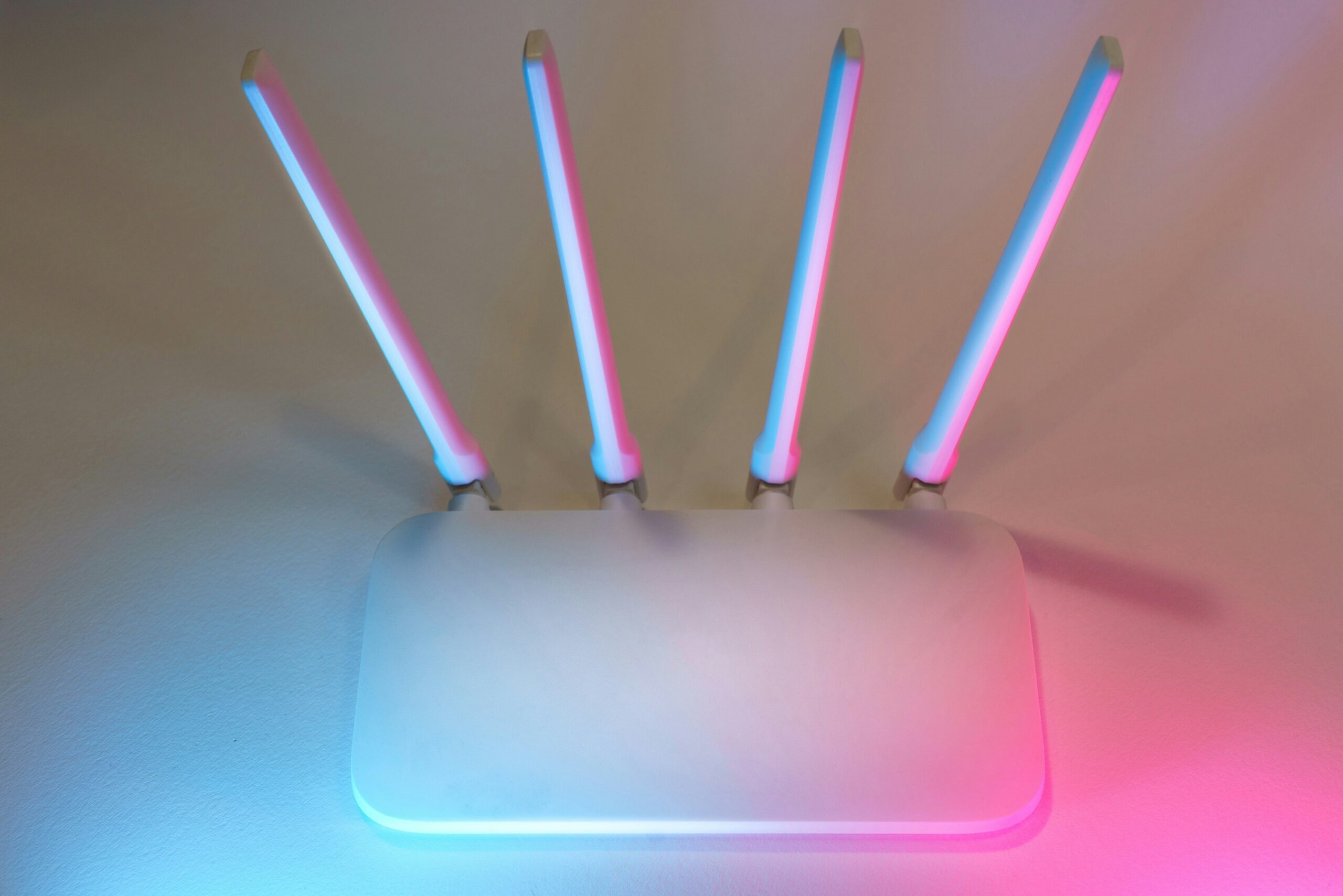
The angle of the external antennas on your router can affect how well it works. A lot of people point both antennas straight up, but this isn’t always the best way to do it. Try putting one antenna up and the other down to get a wider range. This makes it easier for devices with antennas that point in different directions to connect.
Moving the antenna around costs nothing and can improve coverage in places where the signal was weak before.
Reduce Interference from Other Devices
Other electronic devices that send out radio waves can mess up Wi-Fi signals. Microwaves, Bluetooth devices, baby monitors and even Wi-Fi networks that are close by are some of the most common causes. Keep your router away from these kinds of devices whenever you can to cut down on interference.
You can also change the Wi-Fi channel by logging into your router’s settings. Most routers are set to “auto,” but if you choose a less crowded channel by hand, it can make things more stable, especially in busy neighbourhoods or apartment buildings where multiple networks are close to each other.
Update The Firmware On Your Router
Like any other piece of technology, routers need updates to work at their best. To make things faster, fix bugs,and patch security holes, manufacturers often release firmware updates. Check the administration panel on your router for updates if your Wi-Fi seems slow. You don’t have to buy anything new to update your firmware, but it can improve performance and make your network safer.
Limit Applications That Use a Lot of Bandwidth
When Wi-Fi is slow, it might not be because the coverage is weak; it might be because too many devices or apps are using up bandwidth at the same time. If more than one person is online, streaming ultra-high-definition videos, playing games online or making big cloud backups can slow down a connection.
To deal with this, stop or move non-essential downloads and limit the number of apps running in the background. You can also set up Quality of Service (QoS) rules on many routers to give some activities, like video calls, a higher priority than others. Managing bandwidth makes things run more smoothly without costing more.
Use Wired Connections When Possible
Wi-Fi is convenient, but wired connections are usually faster and more reliable. If you have devices that don’t need to move around, like desktop computers, smart TVs or gaming consoles, think about using Ethernet cables to connect them. This takes some of the strain off the wireless network, making more bandwidth available for devices that really need Wi-Fi.
You can improve your network’s performance without buying new equipment by balancing wired and wireless connections.
Restart Your Router Often
Like any other piece of tech, routers work better when they are reset from time to time. Over time, memory leaks, overheating or background processes can make things less efficient. When you restart your router, it fixes temporary problems and reconnects to your internet service provider. Rebooting your computer once a week or every other week, either by hand or with a timer plug, can help keep it running smoothly.
Optimize Device Settings
Instead of the router, you can make some changes to your devices. For instance, make sure that your laptops, tablets and smartphones have the most recent operating system and network drivers. You can also forget old Wi-Fi networks on some devices to stop interference or you can choose the 5GHz band manually if your router supports it.
The 5GHz band is faster over shorter distances, but the 2.4GHz band covers more ground over longer distances. Picking the right band for your location can speed things up without needing more hardware.
Reduce Physical Barriers
Wi-Fi signals get weaker as they go through walls, floors and furniture. Signals have a hard time getting through materials like concrete, brick and metal. You can’t always change the layout of your space, but you can keep the router in open areas and not put it behind big things like bookcases or TVs to make it easier for signals to get through.
Making small changes, like putting the router on a shelf or moving furniture, can help the signal get where it needs to go faster.




