
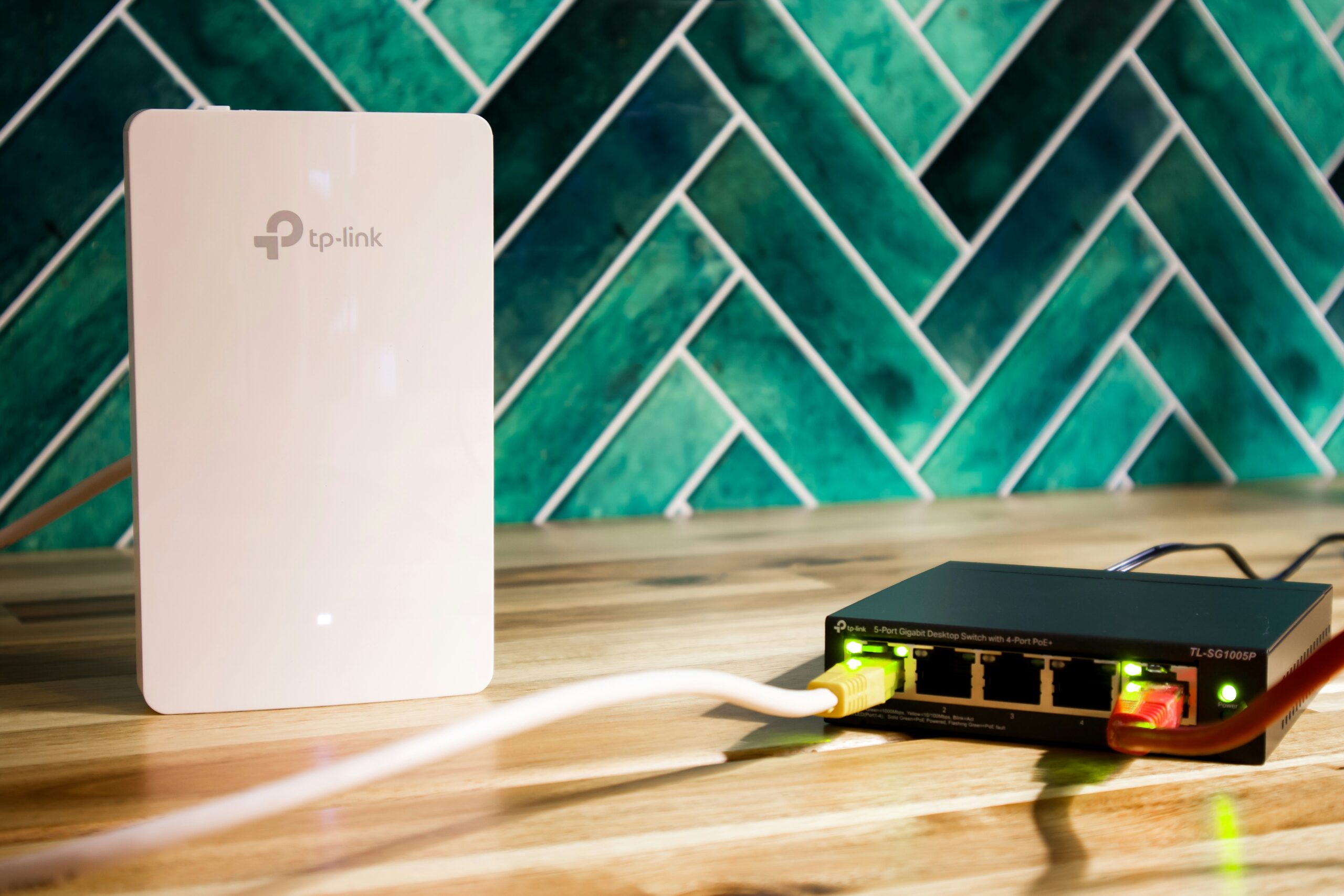
Home broadband is no longer just a household extra. It now supports remote work, online learning, streaming, gaming, smart devices, and daily communication. As more devices connect at the same time, older setups can begin to feel slow or unreliable. Future-proofing your broadband helps your home stay ready for growing digital demands.
Many households only think about their broadband when something goes wrong. Slow downloads, buffering videos, and weak WiFi in certain rooms are common warning signs. Making a few smart changes now can prevent those issues later. It can also help you avoid repeated upgrades every year.
What Does It Mean to Future-Proof Your Broadband?
Future-proofing means creating a broadband setup that can handle your current needs while preparing for future growth. That includes faster speeds, more connected devices, and changing household habits. A connection that works well for two people today may struggle if more users begin working or studying from home. Planning ahead helps keep performance stable as demands increase.
It also means thinking beyond just speed. Coverage, reliability, router quality, and device management all play a role in how your internet feels day to day. A fast package with poor WiFi coverage can still be frustrating to use. The goal is a balanced setup that performs well across the whole home.
Start With the Right Broadband Package
The first step is choosing a package that suits how your household uses the internet. If you mainly browse websites, check emails, and stream occasionally, moderate speeds may be enough. Larger households with multiple streamers, gamers, or remote workers often need faster fibre broadband. Choosing slightly more speed than you need now can save problems later.
Many people wait until buffering becomes constant before upgrading. By that stage, the household has usually already outgrown the package. It is often more cost-effective to choose a plan with room to grow. This helps your broadband keep pace with new devices and changing routines.
Upgrade Your Router
Your router has a major effect on broadband performance. Even if you pay for fast internet, an outdated router can limit speeds and struggle with multiple devices. Older routers may also have weaker signal coverage and less efficient traffic management. Upgrading the router can make an immediate difference in many homes.
A modern router is designed for today’s connected households. It can handle smart TVs, gaming consoles, phones, laptops, and smart home devices more efficiently. In many cases, people blame their provider when the real issue is ageing equipment. Replacing an old router is often one of the most effective improvements.
Place Your Router Properly
Router placement matters more than many people realise. If the router is hidden in a cupboard, placed behind furniture, or stuck in one far corner of the home, signal strength can suffer. A central and elevated position usually gives the best results. Open spaces also help the signal travel more freely.
Keep the router away from thick walls, large metal objects, and electronics that may cause interference. Microwaves and some cordless devices can affect wireless signals. Simply moving the router a few metres can improve speeds in several rooms. It is one of the easiest fixes available.
Improve WiFi Coverage With Mesh Systems or Extenders
If certain parts of your home have weak signal, coverage may be the problem rather than broadband speed. This is common in larger homes, double-storey houses, or buildings with thick walls. A mesh WiFi system uses multiple units to spread signal evenly across the property. This creates a stronger and more consistent connection.
WiFi extenders can also help in smaller spaces or problem rooms. They are often a simpler option, though mesh systems usually provide smoother performance overall. This can be especially useful if you work in a back room or stream content upstairs. Stronger coverage makes the whole broadband package feel faster.
Use Wired Connections Where It Matters
WiFi is convenient, but wired Ethernet connections still offer the best stability. Devices such as gaming consoles, smart TVs, and desktop computers often perform better when connected directly. Wired links reduce interference and usually provide lower latency. That can be especially valuable for gaming or video calls.
Using cables for fixed devices also frees up wireless capacity for phones and tablets. This can improve WiFi performance across the rest of the household. If you have one or two devices that never move, wiring them is worth considering. It often improves the whole network.
Keep Your Equipment Updated
Broadband equipment also benefits from updates. Router firmware updates can improve security, stability, and speed performance. Many modern routers handle updates automatically, but it is still worth checking occasionally. Ignoring updates can lead to avoidable issues over time.
Updated equipment is also more likely to work well with newer devices entering the home. As phones, laptops, and smart products evolve, compatibility matters more. Keeping everything current helps maintain smooth performance. It is a small habit that can prevent larger frustrations.
Think About Future Device Growth
Most households now connect more devices than they did a few years ago. Smart speakers, cameras, tablets, streaming sticks, and appliances all place demands on the network. Even when not actively used, many devices still run background updates or stay connected constantly. This adds pressure over time.
When planning your broadband, count every connected device rather than only laptops and TVs. Many people underestimate how much traffic exists in the background. A setup that works today may feel crowded next year. Planning for extra devices now is the smarter option.




