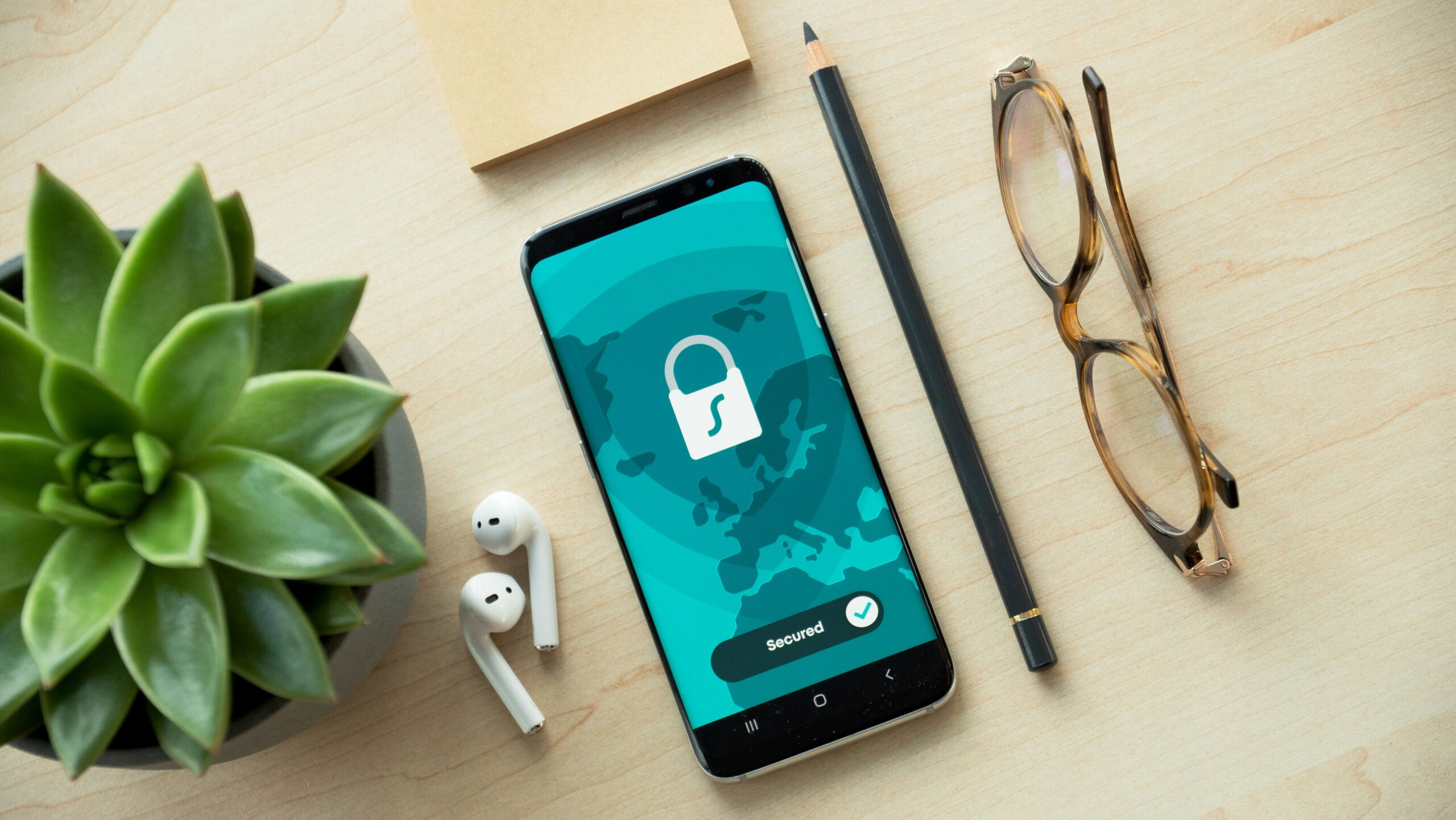
Mobile broadband is changing the way businesses stay online. Whether your team works remotely, travels often, or simply needs a backup internet option, mobile broadband makes it easy to stay connected. But as more companies depend on it, securing these connections has become more important than ever. Mobile broadband networks are not always protected like office networks, which means your data could be at risk if you’re not careful.
Why Mobile Broadband Needs Protection
Unlike fixed-line broadband, mobile broadband relies on cellular signals that can be used almost anywhere. This is great for flexibility, but it also means the connection often falls outside the control of your IT department. The risk of unauthorized access, data interception, and malware increases when you use portable routers, USB dongles, or phone hotspots without proper security measures in place. If left unsecured, your business may face problems like slow network speeds, lost data, or even cyberattacks.
How to Secure Your Mobile Broadband Network for Business Use
Securing your mobile broadband network does not need to be complicated, but it does require action. From encryption to software updates and user education, there are several effective ways to protect your business.
Turn On Encryption
Always make sure your mobile broadband device has encryption turned on. Encryption is a feature that protects your data by turning it into code while it travels across the internet. This means that even if someone tries to intercept the information, they won’t be able to understand or use it. Never use networks that do not require a password, as these are open for anyone to join and make it very easy for others to see what you are doing online.
Change the Default Name and Password
Routers and hotspots come with standard names and passwords that are easy to find online. Change these as soon as you set up the device. Use a unique network name that does not reveal your business identity, and choose a password that is difficult to guess. It is also a good idea to update your password regularly, especially if multiple people are using the connection.
Use a VPN for Extra Protection
A Virtual Private Network, or VPN, helps keep your online activity private. It creates a secure tunnel between your device and the internet, which stops others from seeing what you are doing. VPNs are especially useful when working in shared spaces, such as coffee shops or co-working areas, where public signals can be easily accessed by others.
Keep Devices and Software Updated
Hackers often look for weaknesses in outdated software. That is why it is important to keep your routers, phones, laptops, and tablets updated. Most devices allow you to turn on automatic updates. Also check regularly for firmware updates on your router or hotspot. These updates often include important security fixes.
Managing Device Access and Network Activity
Once your mobile broadband is set up, it’s important to stay in control of who can use it and how it’s being used. If too many devices are connected or if there is unusual activity, your network may slow down or become vulnerable to threats. By managing access and monitoring usage, you can keep your connection secure and performing well.
Control Which Devices Can Connect
Only approved devices should be allowed to connect to your mobile broadband. Most routers let you see a list of connected devices. Review this list often and remove any that are not recognized. You can also use MAC address filtering to block unknown devices from joining your network, even if they know the password.
Set Up a Guest Network When Needed
If guests or short-term workers need internet access, set up a separate guest network. This keeps your main business connection private and reduces the risk of anyone accidentally accessing sensitive files or platforms.
Monitor Data Usage and Activity
A sudden increase in data usage could be a sign of a problem. Keep an eye on how much data your team is using. Many routers and network apps provide activity logs so you can check for unusual behavior and spot threats early.
Support Your Team with Good Security Habits
Even with strong tools in place, mistakes can still happen. Teach your team how to use mobile broadband safely. Make sure they know not to connect to public Wi-Fi without a VPN, how to spot scam emails, and what to do if a device is lost or stolen. Regular reminders and short training sessions can go a long way in keeping everyone informed.
If your business has many employees working remotely, it may be helpful to use mobile device management software. This allows you to control and track all devices using your network, set rules, block risky apps, and even erase a device remotely if it is lost.
In short, mobile broadband helps your team stay connected, but it is not automatically secure. Without the right settings, tools, and habits in place, your network could be exposed to serious risks. The good news is that most of these risks can be avoided with a few simple steps. Taking time to protect your network now means fewer problems in the future and more confidence in your connection.