
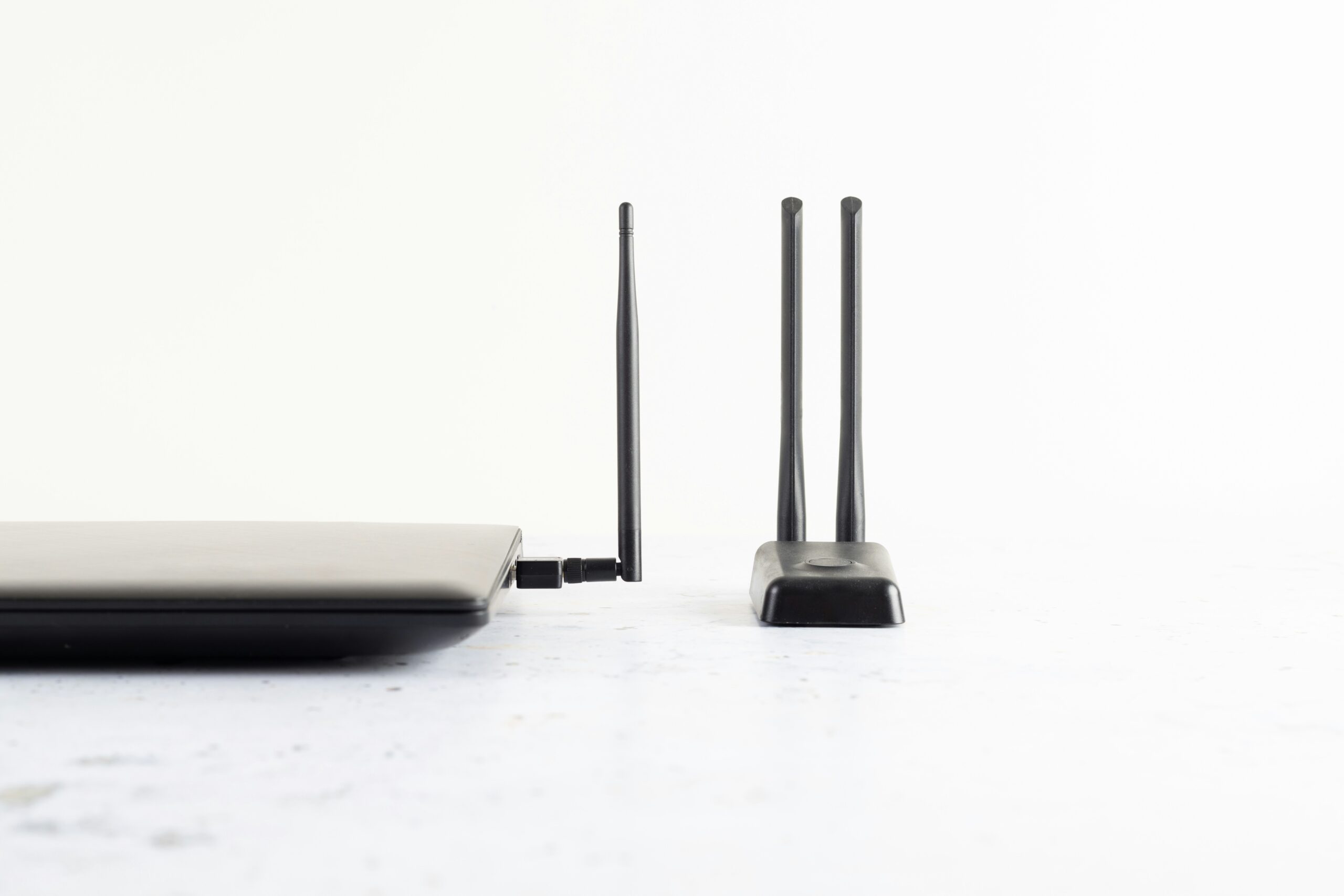
You have noticed by now that even old-fashioned home phones are embracing new internet technology-so where does that leave you? If you recently upgraded to fibre or broadband, you may have noticed that your phone service is now connected to your router and not to a wall socket. This is called digital voice or VoIP (Voice over Internet Protocol) and it is becoming a common standard for home telephone service.
This guide explains how to link your landline to your router, the required equipment and some important considerations to take into account, especially if you are using healthcare alarms or other telecare devices.
Can I Plug My Landline Phone Into My Router?
If your router offers VoIP services, then yes you can plug your landline phone in. Phone systems nowadays are setup using your broadband connection, rather than the old-fashioned copper lines. If your router has a ‘TEL’, ‘Phone’, or ‘Voice’ port, you can plug your home phone into that socket using a standard telephone cable.
If your router does not have a telephone port, you will need an Analogue Telephone Adapter (ATA), which connects a regular phone to your internet network.
Finding Compatible Routers and Phones
The thing is, not all routers work with digital voice. Some ISPs give out certain routers that are pre-configured to use their phone services. Some examples are: BT’s Smart Hub 2 which is used to offer ‘digital voice’ and Sky, Virgin Media, bOnline and TalkTalk have their own VoIP compatible routers. Some independent providers may require a separate adapter. Make sure to verify compatibility with your provider before buying a new router or phone, because not all VoIP services work with third party devices.
Can a Corded Home Phone Be Set Up?
Corded phones connect to your router’s phone port just like cordless ones do. If your router has more than one telephone port, you can connect multiple handsets or use splitters to send calls to several phones in your house.
Where there are phone sockets built into your home’s walls, some arrangements allow you to ‘backfeed’ your digital line into your home wiring, but this must be done by a qualified technician to avoid electric damage.
Digital Adapters
If your router does not have a phone port, an Analogue Telephone Adapter (ATA) is an option to connect your old phone to the internet.
You can do this by the following steps:
- ATA is connected to your Router with an Ethernet cable.
- Your phone is plugged into the telephone port of ATA.
- You will have to input settings provided by your VoIP service provider (Your ISP usually provides this).
After completing the above steps, you will be able to make and receive calls with your internet connection.
What to Understand with Healthcare/Telecare Alarms and Pendants
If you have a personal alarm, fall detector or medical pendant connected to your landline, be sure to check the compatibility of switching it to a router-based system.
Older telecare devices that are not analogue compatible will not work properly through digital or internet-based phone lines and this will keep your monitoring centre from receiving your alarm signal.
What To Do Before Making The Switch (With Telecare Devices)
Prior to making a switch, it is important reach out to your Telecare provider and your broadband provider to check if your equipment is VoIP compatible or if you will need a new one or alternative configuration (like a cellular-based alarm).
Power Cuts
Unlike VoIP, traditional copper landlines still work during a power outage. Your phone service will stop working if your router or adapter loses power. If you need to access your phone service during power outages, you should consider a battery backup or an uninterruptible power supply (UPS).
Emergency Calls
Your VoIP provider needs to have your address on file for emergency calls as 999/112 calls may need this info to find you.




 instead of traditional phone lines, using a compatible router.)