
Latency is a silent enemy that haunts every online match in the high-stakes world of competitive gaming, where milliseconds can decide championships and a single frame can make or break a professional career.
Latency, also known as ping, is often overlooked in favour of more flashy metrics like download speed or 4K resolution. However, it is the real measure of success in the digital colosseum. Your broadband’s responsiveness is just as important as your physical reflexes, whether you’re holding an angle in Counter-Strike 2, timing a perfect parry in Street Fighter 6 or doing a complicated build-battle in Fortnite.
What Is Latency And Why Is It Important?
The simplest way to explain latency is that it’s the time it takes for a data packet to go from your gaming device to the game server and back again. It is measured in milliseconds (ms). When loading a webpage or streaming a movie, a 100ms delay is unnoticeable. But in a fast-paced shooter, it’s a lifetime.
We need to look at the Round Trip Time (RTT) to see how it affects things. When you click your mouse to shoot, that event has to be encoded, sent over your local network, routed through your Internet Service Provider (ISP), processed by the game server and then sent back to your monitor to show what happened.
The Peeker’s Advantage Effect
Latency causes a strange effect in tactical shooters that is both psychological and mathematical. It’s called Peeker’s Advantage. If a player with high latency turns a corner quickly, they might see an opponent who is standing still before the server even tells the opponent that someone is there. On the other hand, if you have high latency, you might duck behind a brick wall for cover, but you would die a second later because the server’s official timeline says you were still standing in the open.
The Three Threats: Ping, Jitter And Packet Loss
Most gamers only care about having a low ping number, but a stable connection needs three different things to be in balance.
Low Ping
Geography has a big effect on ping. Physics says that there will be a minimum delay if you play on a London server from New York because light travels through fibre optic cables. Professional eSports leagues get around this by holding LAN (Local Area Network) events, where the players and the server are in the same room. This makes ping almost zero (<1ms).
Jitter
Jitter is the change in your latency over time. Your brain can get used to the delay, so a constant 40ms ping is playable. But if your ping jumps between 20ms and 120ms (high jitter), your character will feel like they’re moving through molasses one second and then teleporting the next. This makes it impossible to build up muscle memory.
Packet Loss
When data units are lost during transmission, this is called packet loss. In games, this can cause rubber-banding, where your character snaps back to a previous position or shots that don’t register at all . A competitive match can be unplayable with even 1% packet loss.
The Infrastructure War: Fibre, Cable And 5G
Not all types of broadband are the same. The way your data moves affects how fast it can go.
Fibre Optic
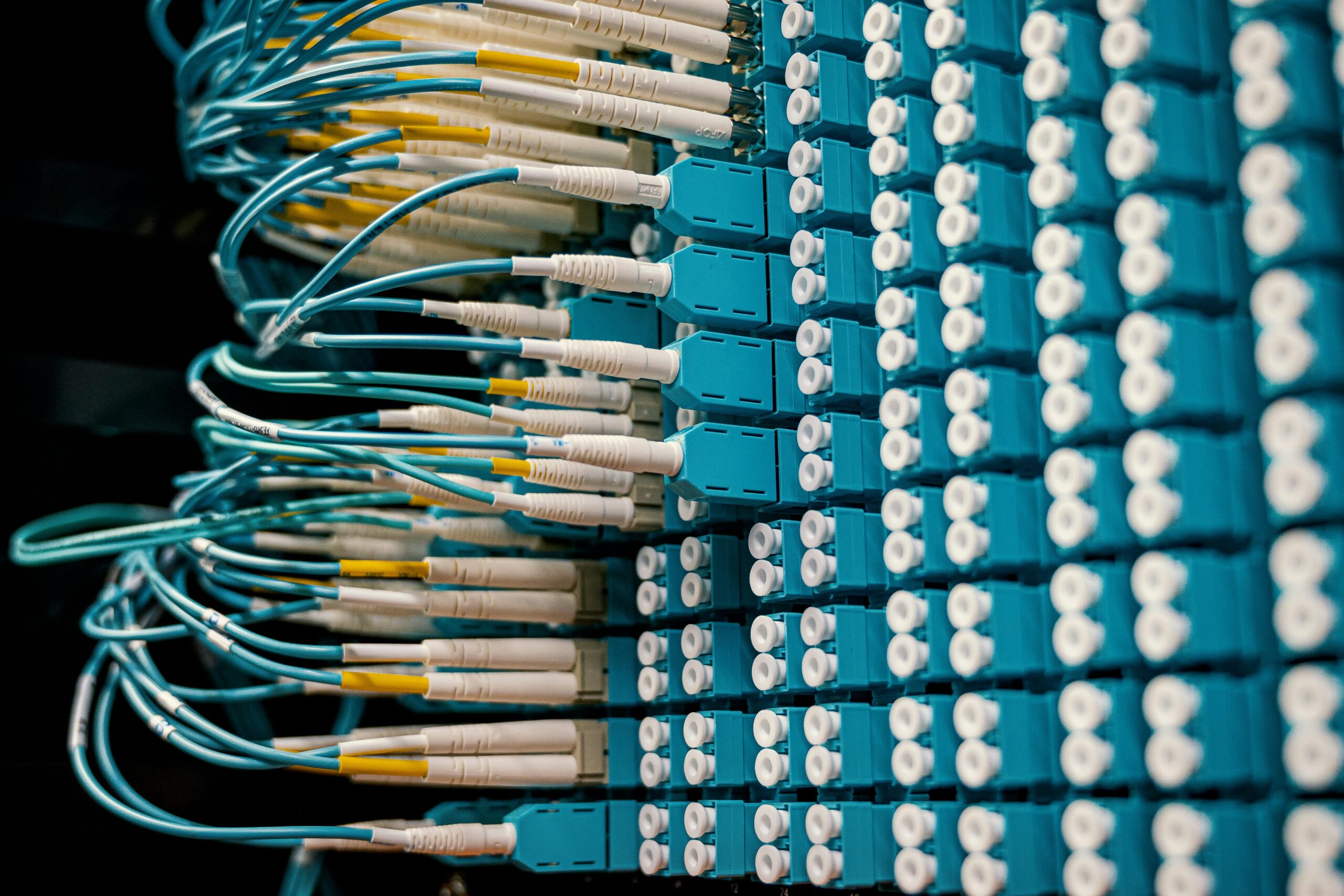
Fibre Optic (FTTP) is the best option. Data moves through glass strands like light, which means it has the lowest latency and almost no jitter.
Cable
This is common, but it can cause bufferbloat. Your latency may go up during peak hours when everyone else is streaming Netflix because your cable lines are shared with your neighbours.
5G
5G is getting better, but wireless signals can still be affected by the environment, which makes jitter higher. A physical wire is still the best option for competitive play.
How To Make Your Connection Better For Gaming
You can’t use a standard out-of-the-box setup if you really want to move up in the rankings. Here’s how to get those valuable milliseconds back.
Get Rid Of The Wi-Fi
Switching to an Ethernet (Cat6 or Cat7) cable is the best thing any gamer can do to improve their gaming experience. Wi-Fi is a half-duplex medium, which means it can’t send and receive data at the same frequency at the same time. Microwaves, walls and other devices can also mess with it. A wired connection gets rid of these problems.
Settings For Quality Of Service (QoS)
You can turn on QoS on most modern gaming routers. This setting tells your router to give gaming packets more importance than other types of traffic. If someone in your house starts a high-definition download, QoS makes sure that your game data stays at the front of the queue, which stops latency spikes.
Pick Your Server Smartly
You can choose your data center in most modern games. Always pick the one with the lowest ping, even if it means waiting in the queue longer. A 20ms connection in a less crowded area is almost always better than a 100ms connection in a hot area.
The Future
The industry is moving toward Edge Computing as we look ahead to 2027. To cut down on the distance data has to travel, businesses are putting mini-servers closer to homes. Also, ISPs are working on AI-powered routing that will automatically find the “path of least resistance” through the internet’s backbone, avoiding busy nodes.




