
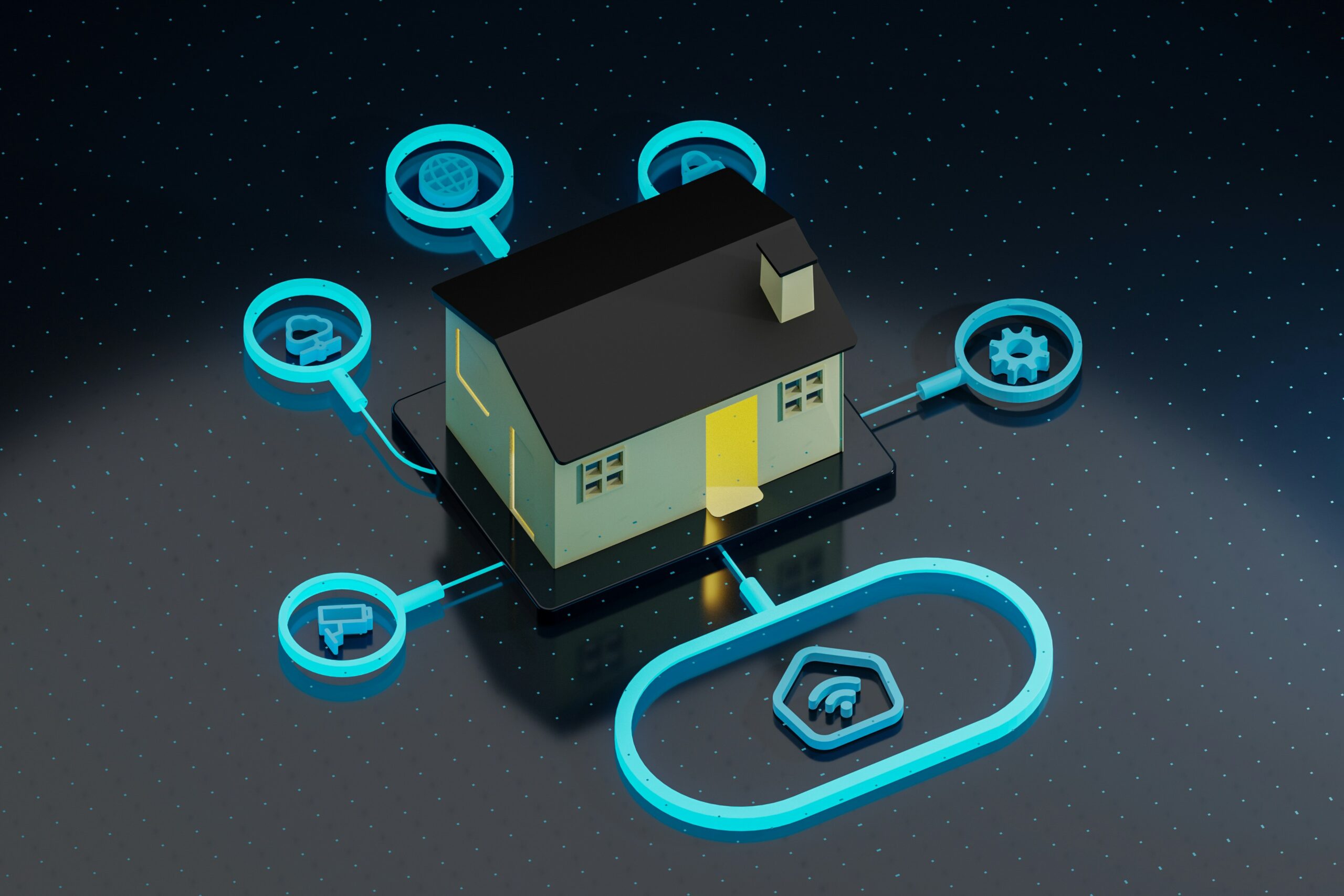
When friends, family or invited guests come over and request for the Wi-Fi password, it may seem trivial to just hand it over. However, granting access to your main network comes with numerous privacy and security threats. This is where a Guest Network comes in handy. A Guest Network offers an effortless way to continue to provide access and maintain security for your primary devices as a host.
Below you can discover the steps to set up a home guest network that is both secure and simple to use.
What is a Guest Network?
A Guest Network is a type of Guest Wi-Fi network that operates as a standalone Wi-Fi network parallel to your main home network. This allows guests to access the internet without the ability to see or connect your personal devices, files or smart home systems.
Why Use a Guest Network Instead of Sharing your Main Wi-Fi?
By sharing your primary Wi-Fi network, you expose your computers, phones and even smart devices to guests – even if it is unintentional. Additionally, a guest device infected with malicious software could spread the infection to your network. A guest network is a good solution and gives you the necessary isolation you require, so their activity stays separate from your account.
Can All Routers Support a Guest Network?
Most current routers – whether from BT, Virgin Media or Sky – support the creation of guest networks. This feature is often located within the router settings under the wireless or security tabs.
Steps to Create a Guest Network Using Your Router
Though some router brands might differ, all of them follow similar guidelines to setting up guest network:
Access the Admin Panel of the Router
You can do this by entering the router’s IP address, often 192.168.0.1 or 192.168.1.1 on a browser and providing the admin username and password.
Go to Guest Network Settings
This can usually be found within the ‘Wireless’ or ‘Wi-Fi’ sections.
Activate Guest Network
Switch the feature on and set a distinct Wi-Fi name or SSID, for eg. SmithGuest or HomeGuestWiFi.
Establish a Password
Choose an easy to share but secure password, ideally different from the main network password.
Turn Off Local Network Access
This means guests are unable to access or control any of your personal devices or files.
Finalise Your Settings
Your guest network should now be active and your visitors should be able to access it without any hassle.
Should You Put a Password on Your Guest Network?
Putting a password helps keep away strangers and neighbours from overusing your internet. It is also wise to change the password from frequently, particularly if it has been used by a lot of individuals over time.
How Many Devices Can Connect to a Guest Network?
Most home routers can support 10 to 20 guest devices. However, if you are attending a large event or wish to optimise performance, try to restrict guest devices and apply QoS (Quality of Service) settings to prioritise devices.
Can a Guest Network Slow Down My Internet?
Many guests streaming or downloading content will impact performance for your internet. However, some routers offer the ability to restrict bandwidth for guest users and prioritising your devices.
What About Smart Home Security?
To reduce the risk of smart home devices (like cameras and lights) being accidentally controlled or exposed by guests, these devices are best kept on a main secured network. A guest network ensures that home automation remains private.
Is It Possible to Create a Guest Network on a Mesh System?
Google Nest, Eero and TP-Link Deco offer guest network functionality and have a user-friendly interface. Most modern mesh Wi-Fi systems have this functionality. Usually, it can be done via an app, which gives a user-friendly interface. All you have to do is search for a section that says “Guest Network” and it should be located in the settings bar.
Can I Turn Off the Guest Network When Not in Use?
For people who host guests sporadically, several routers offer the option to turn guest networks on and off with a single click. Furthermore, turning guest networks off and not on standby is an effective method in limiting exposure.




, and secure it with a strong password.)